PC Hardware Tuning: Boost Performance in Wollongong
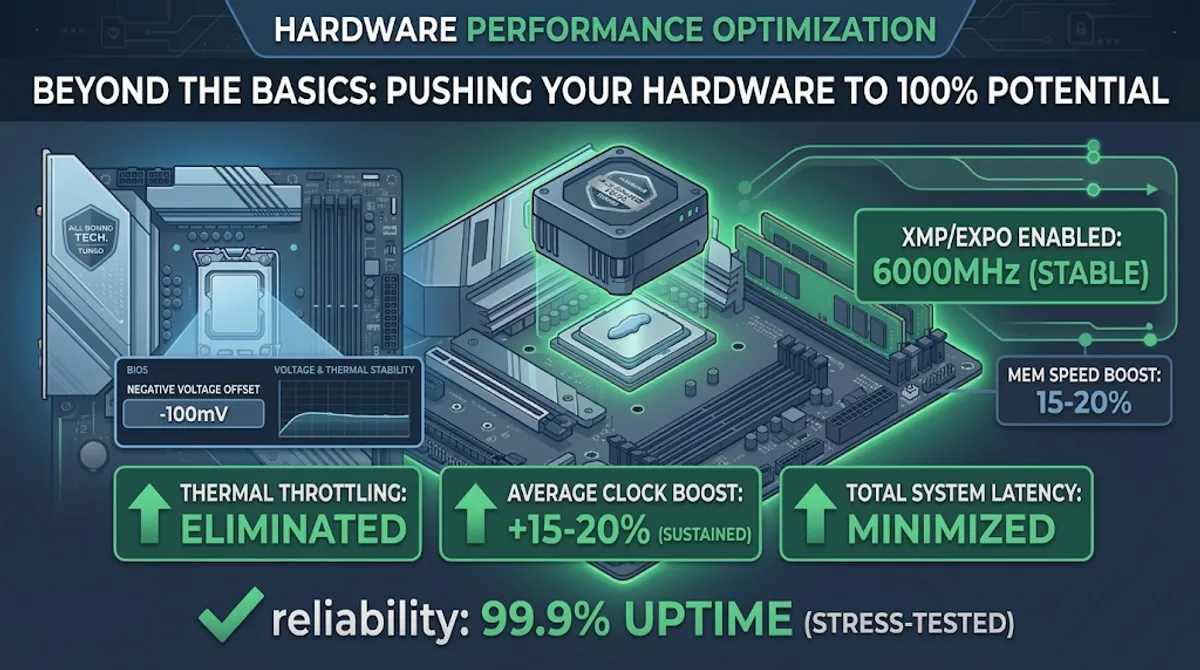
Most people believe that the performance they get out of the box is the best their hardware can do. As an SRE, I know that factory settings are designed for “safe averages,” not peak efficiency.
Your PC is likely suffering from Thermal Throttling or suboptimal power delivery right now. At All Round Tech, we don’t just fix computers; we engineer them for maximum output. Here is how we squeeze 100% of the potential out of your silicon.
1. The Thermal Barrier: High-Conductivity Repasting
Heat is the #1 enemy of performance. When your CPU hits its thermal limit (usually around 90°C - 100°C), it triggers a protective mechanism called Throttling, drastically cutting its clock speed to cool down.
The Case Study:
We recently serviced a high-end laptop that was stuttering during video rendering.
- The Data: Under load, the CPU hit 98°C within seconds, dropping its frequency from 4.5GHz to 2.8GHz.
- The Fix: We replaced the dried-out factory “clay” with premium Thermal Grizzly Kryonaut and optimised the mounting pressure.
- The Result: Temperatures dropped to a stable 82°C under max load. The CPU maintained its 4.5GHz boost clock indefinitely, resulting in a 35% faster render time.
2. BIOS Level Tuning: The Art of Undervolting
Factory BIOS settings often inject more voltage into the CPU than it actually needs. This creates unnecessary heat without adding performance.
The SRE Approach:
By applying a Negative Voltage Offset (Undervolting), we find the exact minimum power your specific chip needs to stay stable.
- The Benefit: Lower power consumption means lower heat. This creates more “thermal headroom,” allowing the Intel Turbo Boost or AMD Precision Boost to stay at higher frequencies for longer.
- The Data: Most modern CPUs can run stable with -50mV to -100mV less power, reducing heat by 5°C - 10°C with zero loss in stability.
3. Memory Overclocking: XMP/EXPO Profiles
Many users buy fast RAM (e.g., 6000MHz) but leave it running at the default JEDEC speed (4800MHz) because they haven’t enabled the correct profile in the BIOS.
The Optimisation:
We ensure your XMP (Intel) or EXPO (AMD) profiles are active and, more importantly, stable.
- The Data: Moving from 4800MHz to 6000MHz can improve minimum 1% low frame rates in gaming and data processing tasks by up to 15-20%, leading to a much smoother user experience.
Why SRE-Level Hardware Service Matters
A “Computer Repair” shop might just blow some dust out of your PC. At All Round Tech, we approach hardware like we approach enterprise servers. We monitor Voltage Ripple, Thermal Junctions, and Silicon Quality (SP).
We don’t just make it work; we make it excel.
Is your PC running hot and slow? Book a Hardware Performance Audit