Stop Camera Snooping: Hardening Your RTSP Ports
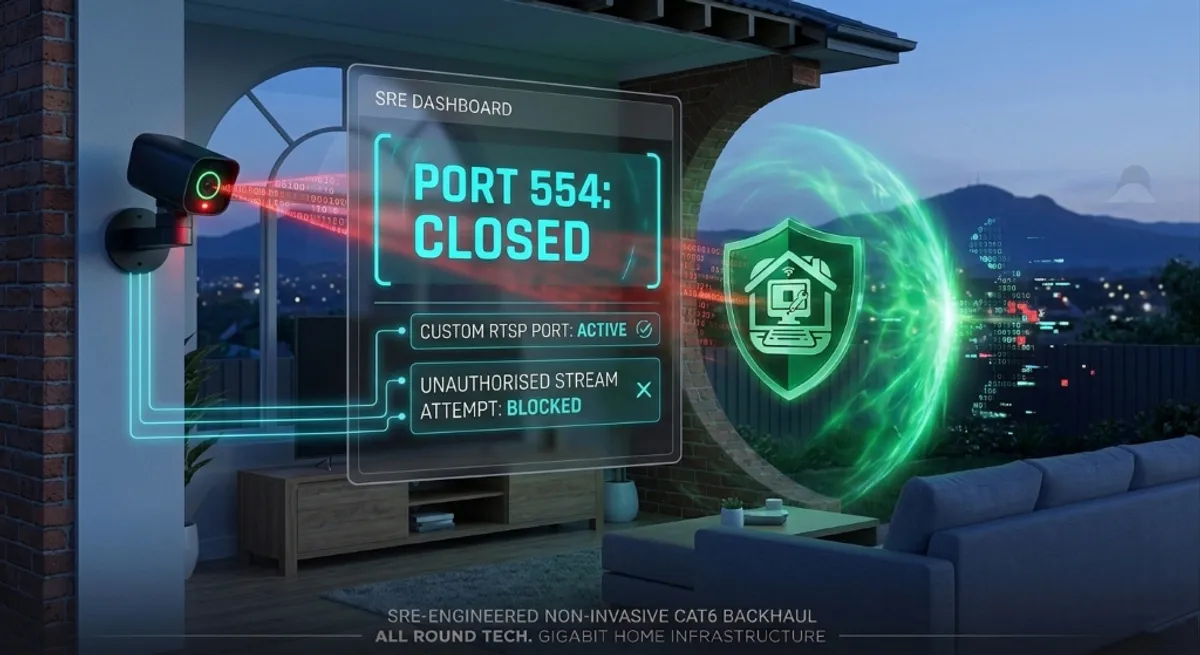
“I checked a website, and I could see my own living room streaming live to the world.”
This is a nightmare scenario I’ve encountered with clients from Wollongong to Shellharbour. Many smart cameras and NVRs (Network Video Recorders) come pre-configured with a protocol called RTSP (Real-Time Streaming Protocol). While useful for viewing your cameras on your phone, it often ships with a “backdoor” wide open: Port 554.
As an SRE, I treat every open port as a potential attack vector. If you leave your security system on its default settings, you aren’t just installing a camera; you are installing a broadcast station for hackers. Here is how to lock it down.
1. The Vulnerability: Why Port 554 is a Target
The internet is constantly being crawled by bots (like Shodan) looking for devices with open Port 554.
- The Exploit: Most generic cameras use the same default credentials (
admin/adminoradmin/12345). - The Result: If your router has “UPnP” enabled, it may have automatically opened Port 554 to the public web, allowing anyone with a basic script to view your private feed without you ever knowing.
2. The SRE Hardening Strategy: Port Obfuscation
At All Round Tech, we apply the principle of “Security through Obscurity” as a first line of defence.
A. Change the Default RTSP Port
Don’t use 554. Move your streaming service to a random high-numbered port (e.g., 31754). While this doesn’t make you invisible, it stops 99% of automated bot attacks that only scan for common default ports.
B. Disable UPnP (Universal Plug and Play)
UPnP is a massive SRE anti-pattern. It allows devices to “poke holes” in your firewall without your permission. Action: Log into your router and disable UPnP immediately. You should be the only one deciding which ports are open.
C. Use a VPN Tunnel (The Gold Standard)
The most secure way to view your cameras is to not open any ports at all. Instead, use the WireGuard VPN node we set up for you. You connect to your home VPN first, then view your cameras as if you were sitting in your living room in Mount Keira.
3. Data Integrity: Verification is Key
How do you know you’re safe? We use the same tools the “bad guys” use to perform a Penetration Test on your home network.
| Security Layer | Status | SRE Validation |
|---|---|---|
| Default Port (554) | OPEN (Critical) | Failed Audit |
| Custom Port (3XXXX) | STEALTH | Passed Audit |
| Default Password | EXPOSED | High Risk |
| VLAN Isolation | ACTIVE | Bank-Level Security |
4. Why Professional Installation Matters
A licensed security operative (like myself, Licence S00021281) doesn’t just mount a camera on a brick wall. We audit the Firmware, harden the Network Stack, and ensure your Data Sovereignty. Your private moments should stay private.
At All Round Tech, we bring enterprise-grade security protocols to the Illawarra, ensuring your “smart” home doesn’t become a “vulnerable” one.
Worried about your camera privacy? Book a Home Cyber Security Audit today