Vaultwarden Guide: Secure Self-Hosted Password Management
“I use the same password for everything because I can’t remember them all.”
As an SRE, this sentence makes me shudder. In professional infrastructure, we treat every password as a Secret that must be rotated and encrypted. While Wollongong is a welcoming community, leaving your digital doors unlocked is an open invitation to cyber-criminals.
To build a true Defence in Depth, you need a Password Manager and Two-Factor Authentication (2FA). Today, I want to advocate for the gold standard of private security: Vaultwarden.
1. What is Vaultwarden? (The SRE’s Choice)
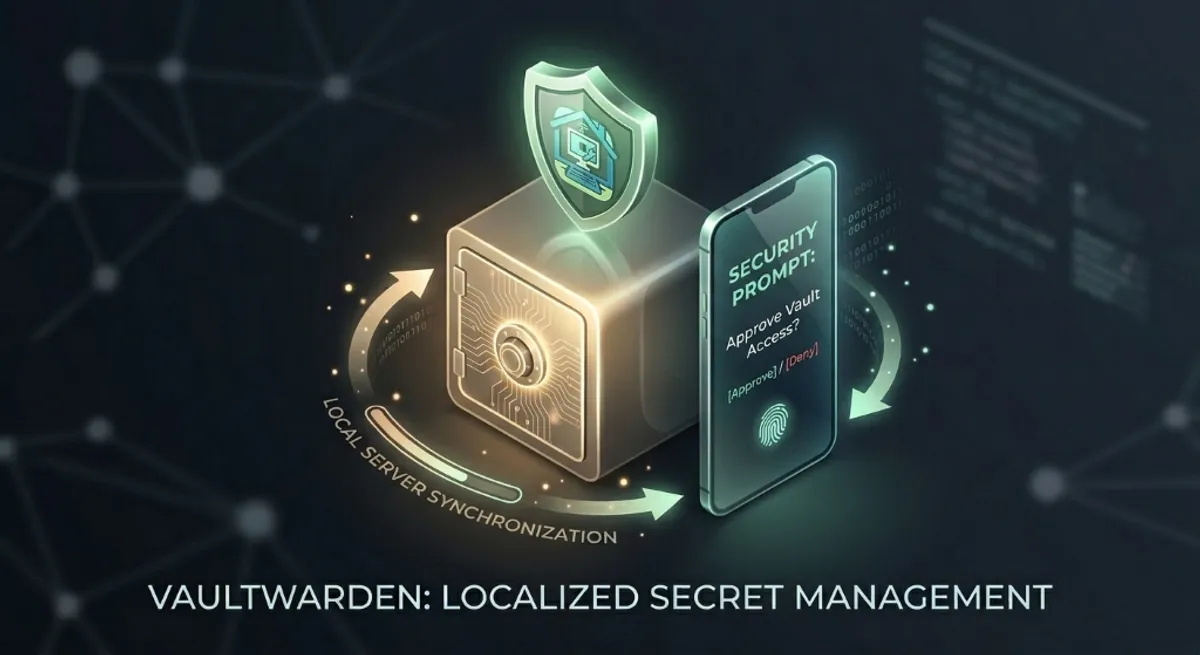
Vaultwarden is an open-source, lightweight implementation of the Bitwarden API written in Rust. It provides all the premium features—including cross-device sync and secure sharing—but allows you to host it yourself.
Why Not Just Use the Cloud?
When you use a cloud provider, you are trusting their infrastructure and their SREs. Hackers love major cloud targets. A private Vaultwarden instance sitting behind a hardened VLAN Isolation is a much smaller, less attractive target.
2. The Power of Self-Hosting: Sovereignty vs. Convenience
At All Round Tech, we recommend self-hosting Vaultwarden on a local server (like a Synology NAS or Raspberry Pi) for several critical reasons:
- Data Sovereignty: Your encrypted database never leaves your Wollongong home unless you allow it. You are the Owner of the infrastructure, not just a user.
- No Subscription Traps: Vaultwarden unlocks premium features like Emergency Access and Organisation Sharing for free—features cloud providers usually charge monthly for.
3. The Second Layer: 2FA is Non-Negotiable
A password manager is your first line of defense, but 2FA is your backup. Even if your master password is stolen, they cannot enter without a second token.
SRE-Level 2FA Strategy:
- Avoid SMS: It’s vulnerable to “SIM Swapping” attacks.
- Use TOTP Apps: Tools like Aegis or Bitwarden’s built-in authenticator are much safer.
- The Gold Standard (Hardware Keys): We recommend physical keys like YubiKeys. These require a physical touch to authorise a login, making remote hacking nearly impossible.
4. How We Secure Your Digital Vault
At All Round Tech, we don’t just “install” software; we engineer a resilient ecosystem for our Illawarra clients:
- HTTPS/TLS Encryption: We ensure all traffic between your phone and vault is encrypted.
- Automated Backups: SREs know “data doesn’t exist unless it’s in three places.” We automate encrypted off-site backups.
- Reverse Proxy Hardening: We use tools like Nginx or Traefik to safely expose your vault only to your trusted devices.
Conclusion: Take Back Your Digital Keys
By moving to a localised Vaultwarden setup, you gain Speed, Privacy, and Reliability. Don’t let your digital life be a “Single Point of Failure.”
Modern home offices in the Illawarra are now as complex as small businesses. We bring the same bank-level security I’ve used for major corporations over the past 20 years directly to your home.
Ready to secure your digital life? Book a Cyber security Audit & Vault Setup | Our Security Solutions